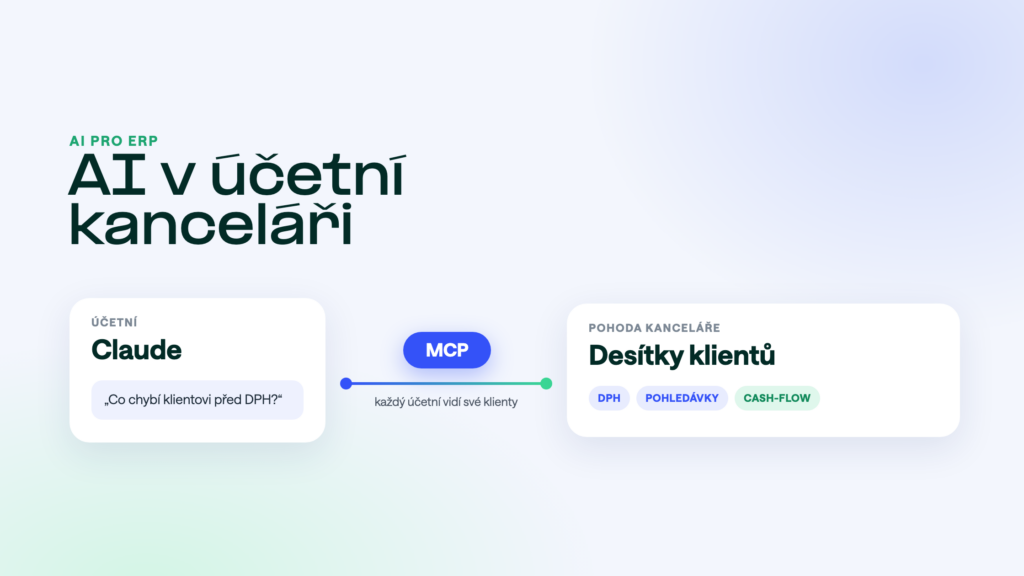
An accounting firm has dozens of companies in POHODA and the same questions every month: what is missing before the VAT return, who hasn’t paid, how much tax will be due. The answers are in the data, they just have to be pulled out each time. An AI assistant connected to POHODA can find them from a single question. This article covers what firms use it for, how to keep clients separate and how to get started.
The short answer
In an accounting firm, AI saves the most time on checks and on answering clients, not on the bookkeeping itself. You connect it to POHODA through an MCP server, set which clients each accountant can see, and ask in plain language. Bookkeeping and signing stay with you. Start with five clients and after a month assess how much time it saved.
What firms use it for
- Checks before the VAT return“Prepare the VAT figures for client Alfa for October and list purchase invoices above €400.” A summary to compare with the report in POHODA, plus the documents for the control statement.
- Finding a document“For client Beta, find the €1,940 invoice from Gamma from the summer.” No clicking through modules, even when you don’t know the document number.
- Answering client questions“How have Beta’s income and costs developed month by month this year and last?” The client gets an answer in a few minutes instead of a day.
- Client receivables“Who has owed client Gamma money for more than 60 days?” An overview for a client dealing with cash flow, including a draft reminder.
- Cash outlook“What income and spending does client Delta have coming up in the next 30 days, by due date?” Material for a meeting with the client.
More ready-made questions are in 30 prompts for accountants.
How to keep clients separate
In an accounting firm, keeping client data apart matters more than anything. A well-configured MCP server handles it in three layers:
- Companies. Each client is a separate accounting unit in POHODA. You always tell the AI which company you mean.
- Permissions per accountant. Each accountant sees only their own clients. The payroll accountant sees payroll, the others don’t.
- Query log. For every query you can see who asked and about which company. Useful for internal checks and in a dispute with a client.
How POHODA MCP handles it: one connection covers all of the firm’s companies, you set permissions for each user separately, and we connect to POHODA via mServer or straight to the database.
GDPR and client contracts
The firm is a data processor for its clients. Adding AI adds another link to the chain. Make sure that:
- you have a data processing agreement with the MCP server provider and know where the data is processed (ideally in the EU),
- you use a business plan of the AI assistant in which data is not used to train the model,
- the AI sees only the modules it needs for the work (payroll and sensitive data only where necessary),
- your client contracts mention the use of AI tools, if your contracts require it.
A detailed checklist is in AI security over company data.
What it costs
For accounting firms, pricing is usually per client, because the work grows with the number of companies. POHODA MCP costs accounting firms from €12 per company per month excl. VAT, for at least 5 companies. On top of that comes a one-off connection fee and the AI assistant subscription for your accountants, which you pay directly to its provider.
How to start
- Pick five clients from different industries and with data in different states of tidiness.
- Pick two accountants to use the AI for a month and note down what it saved them.
- Give them a set of questions for VAT checks and receivables. Start with reading and switch on writing later.
- After a month, assess the hours saved and the errors the AI helped catch. Then decide about more clients.
What the AI won’t do for you
The AI doesn’t sign tax returns and isn’t responsible for the accounts. It reads the data that is in POHODA. If a client didn’t hand in a document, the AI won’t make it up. Treat its output as material for an accountant to check, just like the work of a new colleague.
Frequently asked questions
Can a client use AI on their own data?
Technically yes, if you create a user with access to their company only. Most firms start internally, though, and send clients finished outputs.
We have clients in POHODA and in other programs.
We also have MCP servers for Money, ABRA, Helios and other systems. An AI assistant can have several servers connected at once. The overview is on the MCP servers for ERP page.
Will it slow down POHODA at the firm?
Queries only read and run at low priority. A typical query puts less load on the database than a standard report.
Want to try it with your clients? POHODA MCP is free for the first 14 days.
Was this article helpful?
Thanks for the feedback!