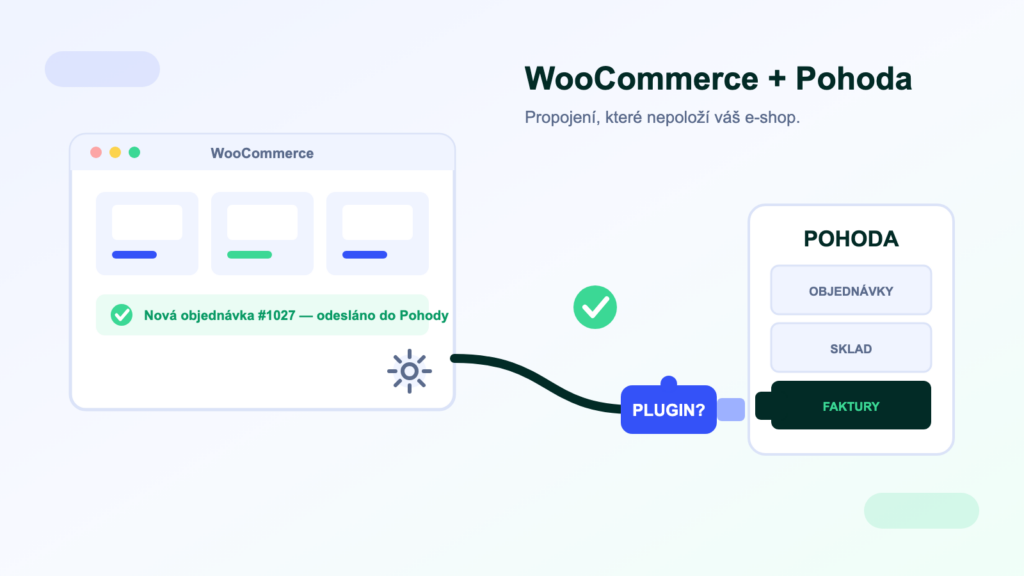
WooCommerce powers roughly a third of the world’s e-shops, and thousands of Czech stores run on it. POHODA, in turn, is the most widely used accounting software in the Czech Republic. You would expect this pair to have an out-of-the-box connection — and yet this is exactly where e-shop owners most often get burned. Here is an overview of the routes available, what makes WooCommerce specific and what to ask before you pay for a connector.
Why there is no official bridge
Connecting WooCommerce to POHODA is always handled by a third party: a WordPress plugin, an external connector, an integration platform, or custom development. There is no official solution from Stormware or from the makers of WooCommerce — which makes it all the more important to know how the routes differ.
WooCommerce is an open-source WordPress plugin — it has no single operator building bridges to local accounting systems the way Shoptet does. Stormware, for its part, provides interfaces (mServer, XML) but leaves ready-made connections to specific e-shops to its partners. What exactly gets synchronised between an e-shop and POHODA, and in which direction, is covered in our general guide — here we focus on what makes WooCommerce different.
Route 1: a plugin directly in WordPress
The most common starting point. You install a plugin from Czech developers into WordPress and it sends orders to POHODA via mServer. The upsides: quick to set up, cheaper, and everything is visible in the site admin. The catch is where the plugin runs — inside your e-shop, on your hosting, triggered by WP-cron. Transfers therefore compete with serving your customers, and reliability stands or falls with the quality of your hosting. And because the plugin has to hit three moving targets at once (updates to WordPress, WooCommerce and POHODA), how quickly its author keeps it up to date matters a great deal.
Route 2: an external connector or integration platform
Transfers run outside your website — the e-shop merely exposes data via the WooCommerce REST API, and everything else is handled by a service with its own queues, error retries and monitoring. It puts no load on the e-shop’s hosting, and during a campaign the transfers don’t fight your traffic. An integration platform also scales: carriers, a CRM, marketplaces or a second sales channel plug into the same infrastructure. The agendas supported for WooCommerce are listed in our catalogue.
Route 3: custom-built via the REST API and mServer
WooCommerce has an excellently documented REST API and webhooks, POHODA has mServer — joining the two with your own code is possible. It makes sense for large volumes and highly specific processes; just bear in mind you are creating software that someone will have to maintain through every change on both sides. We cover the wider context in our guide to ERP integrations.
The pitfalls that decide the outcome
Whichever route you choose, these are the four places where a WooCommerce–POHODA connection most often breaks down:
- Variable productsVariations (size, colour…) are separate items in WooCommerce — and they must be matched correctly to stock cards in POHODA. The most common source of errors; ask for a demonstration on your own data.
- VAT and selling into the EURates, reverse charge, the OSS scheme. The connector must assign rates according to POHODA’s rules, not just copy them from the website.
- Payments and matchingPayment gateways send amounts net of fees; cash on delivery is settled later. Without well-thought-out payment matching, your accountant will be chasing differences by hand.
- WP-cron and hostingWordPress only runs scheduled jobs when someone visits the site. On cheap hosting, transfers get delayed or fail — through no fault of the plugin.
The plugin runs on your hosting — and that is no small detail
Every order transfer takes a bite out of your site’s performance. When a peak arrives — a campaign, Christmas, a sale — the customer rush and the transfer queue collide at the very moment you cannot afford to slow either of them down. An external solution removes that dependency: the e-shop serves customers, the integration runs elsewhere. If a plugin is enough for you today, that’s fine — just make a point of watching for the moment a peak starts costing more than a connector.
Three steps before you choose a solution
- Write down your agendas and volumes. Orders per day, number of products and variants, warehouses, synchronisation directions. A small catalogue with dozens of orders can live with a plugin; thousands of items and peak loads cannot.
- Check the prerequisites. Which POHODA edition do you have (MDB, SQL, E1), and are mServer and a licence available? How good is your e-shop’s hosting? The answers determine which routes are even on the table.
- Pilot on a copy of your data. Before going live with synchronisation, test the edge cases: a cancellation, a partial refund, a cash-on-delivery order shipped abroad, a product with twenty variants.
Frequently asked questions
Is there an official plugin from Stormware?
No. Stormware provides the interfaces (mServer, XML) and leaves the connection to third parties. You are therefore always choosing between independent plugins, connectors and platforms — the deciding factor is the quality of maintenance and support.
Do I need mServer?
For writing into POHODA (orders, invoices), yes — it is the official machine interface. For reading stock levels and data on the SQL and E1 editions, direct database reading is also available and puts no load on POHODA; details in our article on mServer.
Can a connection handle variable products?
A good one can, but this is exactly where connector quality varies most. Before deployment, ask to see the mapping of variants to stock cards demonstrated on a sample of your real products.
I have cheap hosting. Is that a problem?
For a plugin, yes — WP-cron on shared hosting is unreliable and transfers get delayed. Either invest in hosting, or choose an external connector or platform that doesn’t depend on your site’s performance.
How much does a connection cost?
Plugins come to hundreds or thousands of Kč (one-off or per year), an integration platform to a one-off implementation plus a monthly fee for operation with monitoring, and custom development to tens of thousands of Kč and up. For your specific scope, we will prepare a quote.
Was this article helpful?
Thanks for the feedback!