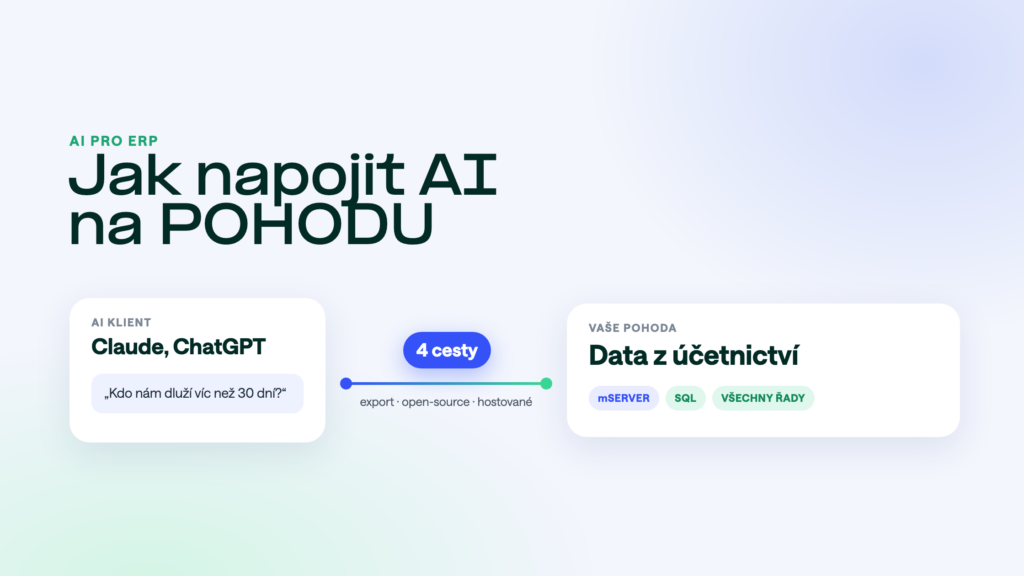
You want to ask Claude or ChatGPT about the numbers in POHODA: who owes you, how sales are going, what is in stock. There are now four ways to connect AI to POHODA. They differ in which POHODA they work with, how much work they take and whether the AI can also write.
The short answer
The least work is a hosted MCP server that connects to POHODA via mServer or straight to the SQL database. An open-source server pays off if you have your own IT and want to manage it yourself. Manual export into the chat is fine for trying things out, not for daily work.
Route 1: manual export into the chat
You export a report from POHODA to Excel or PDF and upload it to the chat. It works with any POHODA and costs nothing.
The downsides: the data is out of date the moment you export it, the AI only sees what you uploaded, and you send company data into the chat without access control. Good for a one-off analysis.
Route 2: mPohoda MCP
A connection built into mPohoda, launched in October 2026. It works only for online mPohoda, the invoicing app. It can’t reach the accounts, stock and orders in desktop POHODA. We explain the difference in mPohoda MCP and desktop POHODA.
Route 3: an open-source MCP server
There are freely available MCP servers for POHODA on GitHub. They talk to POHODA through mServer.
What you need: a running mServer, a computer or server where the MCP server runs, and someone to install, secure and update it. The software is free, the work isn’t. Suits companies with their own IT. How mServer works is explained in POHODA mServer.
Route 4: a hosted MCP server
A vendor runs the MCP server and you install nothing. This is how POHODA MCP works. We connect to POHODA in one of two ways:
- Via mServerPOHODA’s official interface, works with every edition. A good fit if you already run mServer.
- Straight from the SQL databaseFor the SQL and E1 editions. No mServer and no licence reserved for it, fast even for large reports.
Your IT just opens access to mServer or the database. The AI sees only the modules you allow, and writing happens only after you confirm.
Side-by-side comparison
| Route | Which POHODA | Installed on your side | Live data | Writing | Who runs it |
|---|---|---|---|---|---|
| 1. Manual export | all | no | no | no | you |
| 2. mPohoda MCP | online mPohoda only | no | yes | yes | the manufacturer |
| 3. Open source | desktop with mServer | MCP server + mServer | yes | yes | you |
| 4. Hosted MCP server | desktop, all editions | no, only access to mServer or the database | yes | yes, after confirmation | the vendor |
How to choose
- You just want to try AI outStart by exporting one report by hand. If you like it, move to MCP.
- You have your own IT and like running things yourselfAn open-source MCP server via mServer. Plan for maintenance and security.
- You want it done and hassle-freeA hosted MCP server. With SQL and E1 you can skip mServer too.
- You are an accounting firmWhat matters is working with many clients and the price per company. More in AI in an accounting firm on POHODA.
What about Make, Zapier or n8n?
Automation tools move data according to rules you set up in advance. They are not suited to open questions like “why did our sales drop in September?”. When they make sense is covered in Make, Zapier, n8n and POHODA.
Frequently asked questions
Does it work with both Claude and ChatGPT?
Yes. MCP is an open standard supported by Claude, ChatGPT and other assistants. We have guides for Claude and ChatGPT.
Do I need a paid AI subscription?
To connect your own MCP server, usually yes. Which plans support it keeps changing for both Claude and ChatGPT, so check their websites for the current state.
Will the AI see payroll?
That depends on the solution. With MCP servers that have per-module permissions, you simply don’t allow payroll. With manual export, you decide by what you upload.
What is MCP, actually?
Model Context Protocol, an open standard that lets AI assistants securely access company systems. We explain it in What is an MCP server.
Want to see how it looks with your POHODA? You can try POHODA MCP free for 14 days on your own data.
Was this article helpful?
Thanks for the feedback!